
Email finder
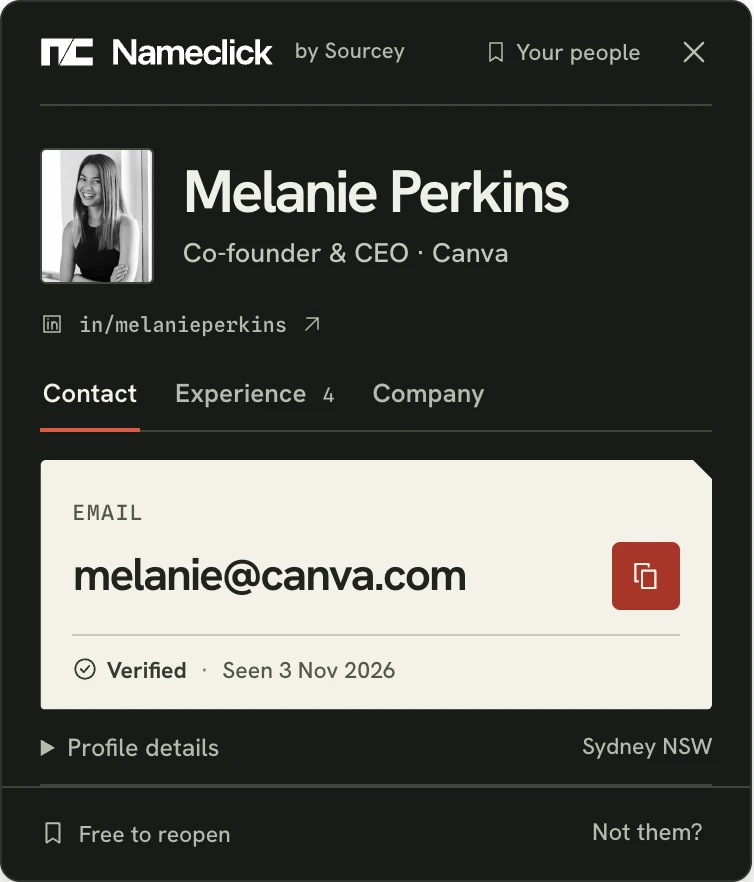
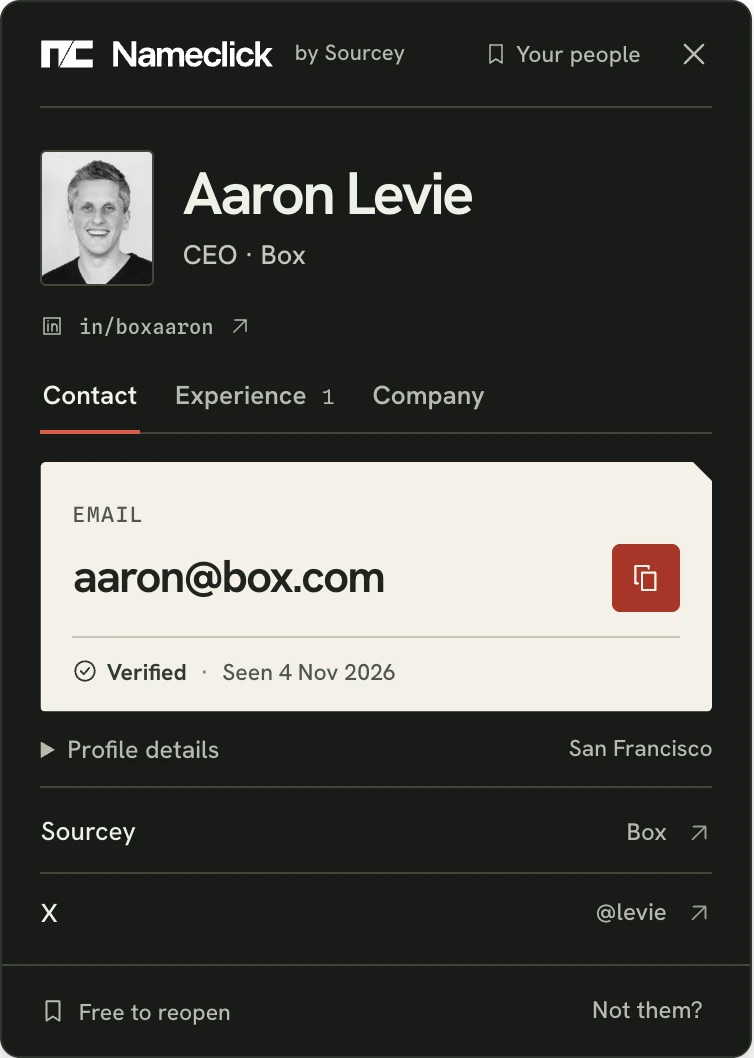
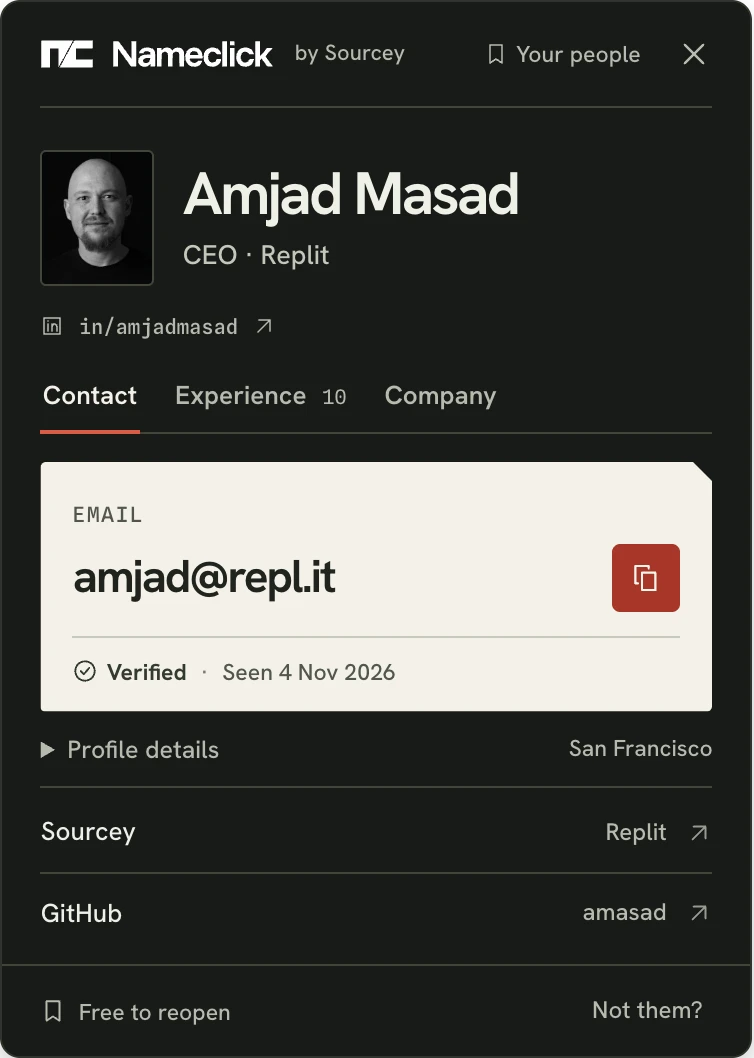
Find anyone's email from their name and current employer. Nameclick is our email finder, with the person's photo, role and company beside the address. Jane Smith at the wrong company is still the wrong Jane Smith.


Why guessing an address fails
Most companies use first.last@, first@ or an initial and surname, such as jsmith@. It's tempting to try each until a server accepts one.
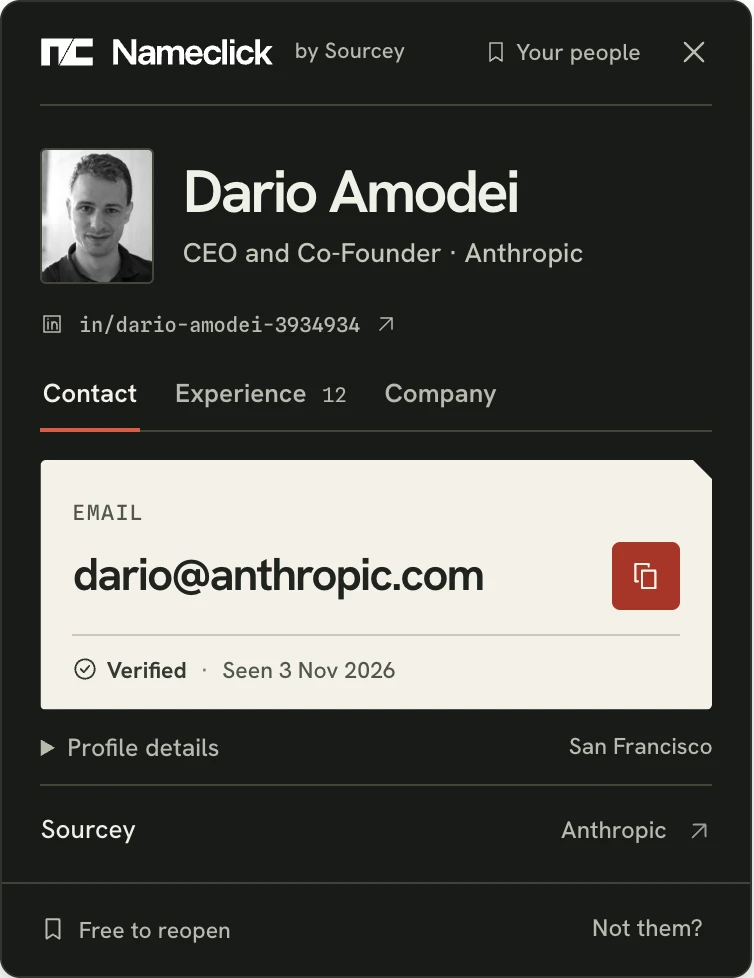
If your guess belongs to another Jane, she gets the email you meant for someone else. We show who matched before you copy their recorded address, with its verification status and when the record was last seen.
| A guess at Jane Smith | The mail server says |
|---|---|
| jane.smith@acme.com | accepted |
| jane@acme.com | accepted |
| jsmith@acme.com | accepted |
| j.smith@acme.com | accepted |
| zzz-nobody@acme.com | accepted |
- Employees inherit different addresses. An early hire might be jane@ while later hires get jane.smith@. A second Jane Smith needs something else.
- A mail server can say yes to everything. Many accept any address at their domain. The nonsense address gets the same yes as the plausible ones. None of those answers tells you which belongs to Jane.
- Bad guesses damage your other mail. Mail to nonexistent addresses teaches inbox providers that you're careless. Enough of it sends your real messages to spam, including mail to people whose addresses you already knew.
Find emails as you browse
When the person's name is already on the page, you shouldn't have to type it again. The Nameclick extension works on any LinkedIn profile you can open, without LinkedIn Premium or Sales Navigator. It runs in Chrome, Edge and Firefox, and Brave, Arc and Opera take the Chrome Web Store version.
How to find someone's email address
Find email by name
Enter the name on their LinkedIn profile or company team page and their current employer, then press Find email. Bill may be William on record; married and maiden names can differ too. You can also start with a LinkedIn profile URL or a GitHub username.
Check who matched
Compare the photo, title, employer and location with the person you meant. If it's another Jane Smith, report the wrong match and the lookup won't count.
Read the address before using it
In Contact, Verified means the address was checked to take mail; Seen is when the record was last observed. If they've changed jobs since Seen, compare their employer with the email's domain. An address at a company they've left will bounce.
Other places to find an address
An email lookup isn't necessary when someone has already published an address.
The company's website
Try team, press and contact pages. Press releases often finish with a media contact; job posts sometimes name the hiring manager.
Their own site or newsletter
Look at their contact page or footer. You can also reply to their newsletter.
LinkedIn
Contact info shows an email only if they've shared it, mostly with connections. Find an email from a LinkedIn profile
GitHub commits
Every commit records an email address. Developers who keep theirs private use GitHub's no-reply address, which GitHub never delivers to. Find a developer's email
A YouTube channel
In About, choose "View email address" for the channel's business address. You'll only see one if the owner supplied it. Find an email from YouTube
Conference and podcast pages
Speaker and guest biographies name their employer: the missing half of your search if you only have a name.
Every contact, enriched
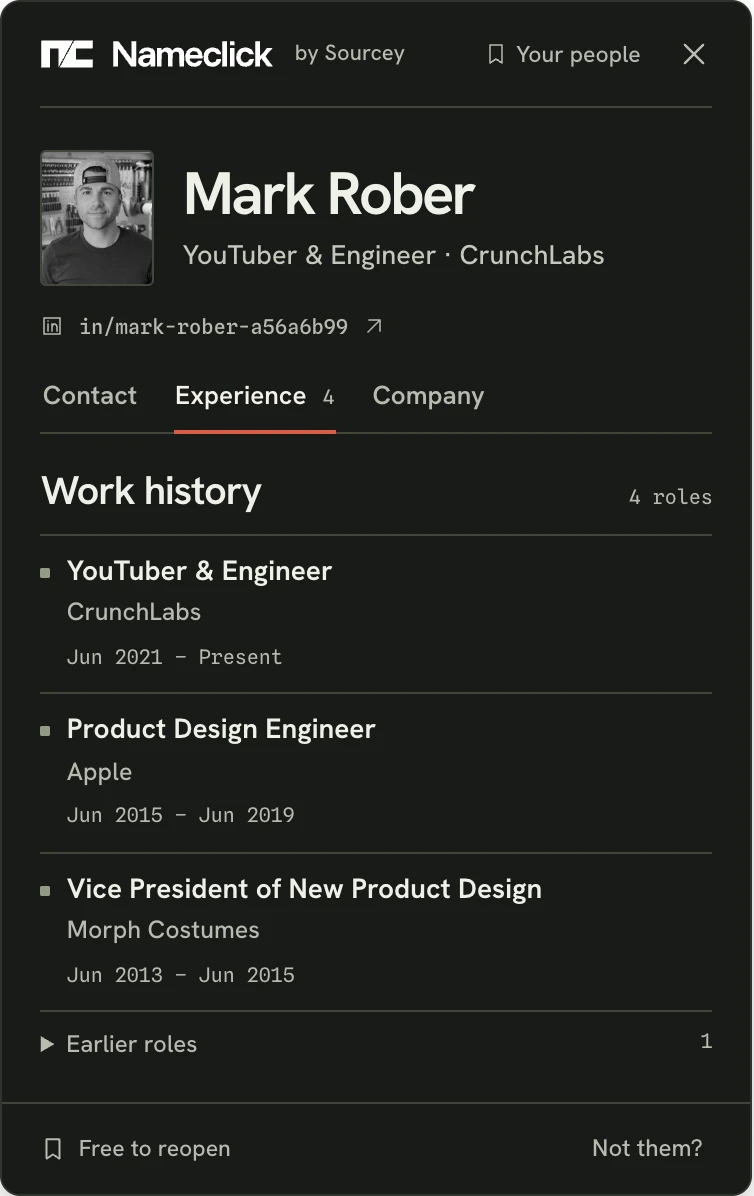
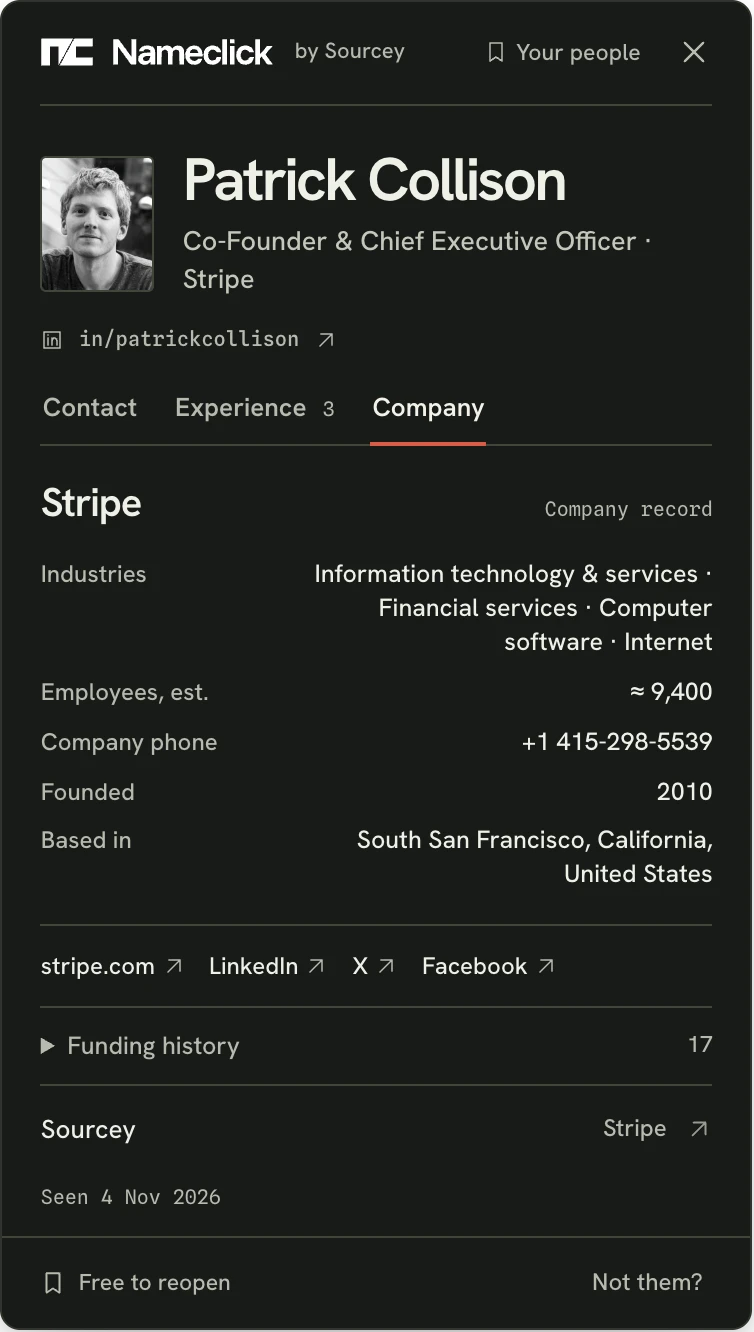
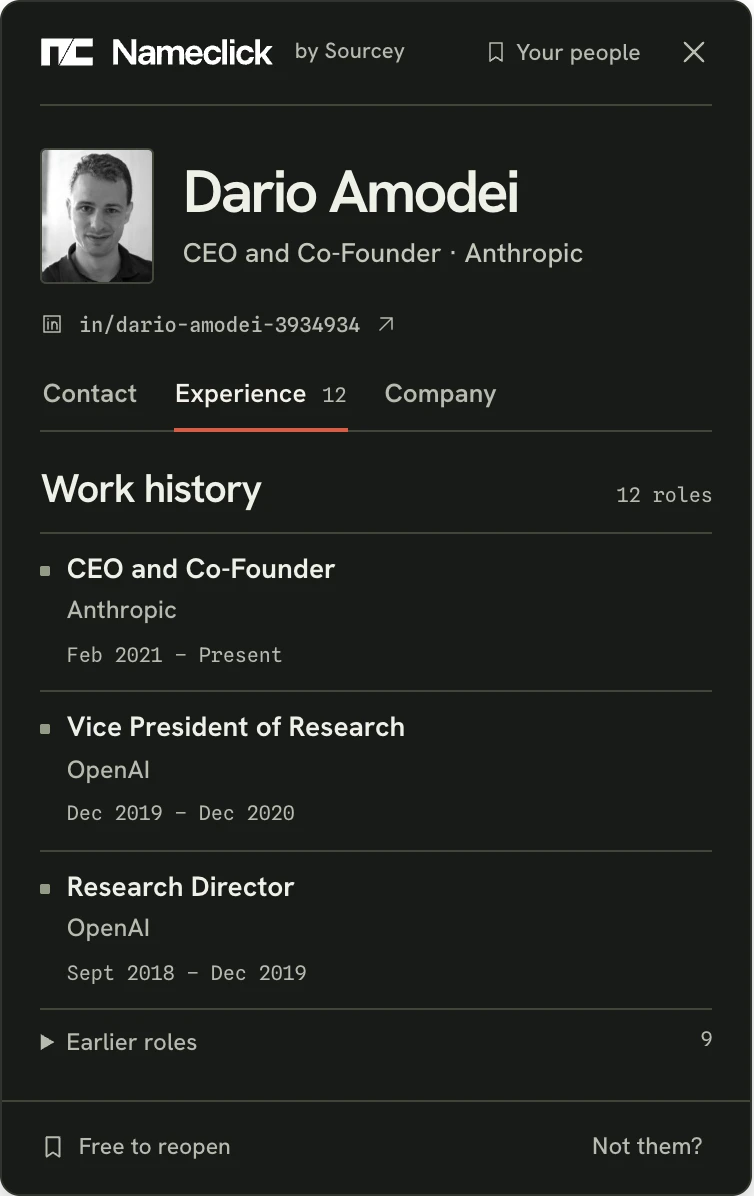
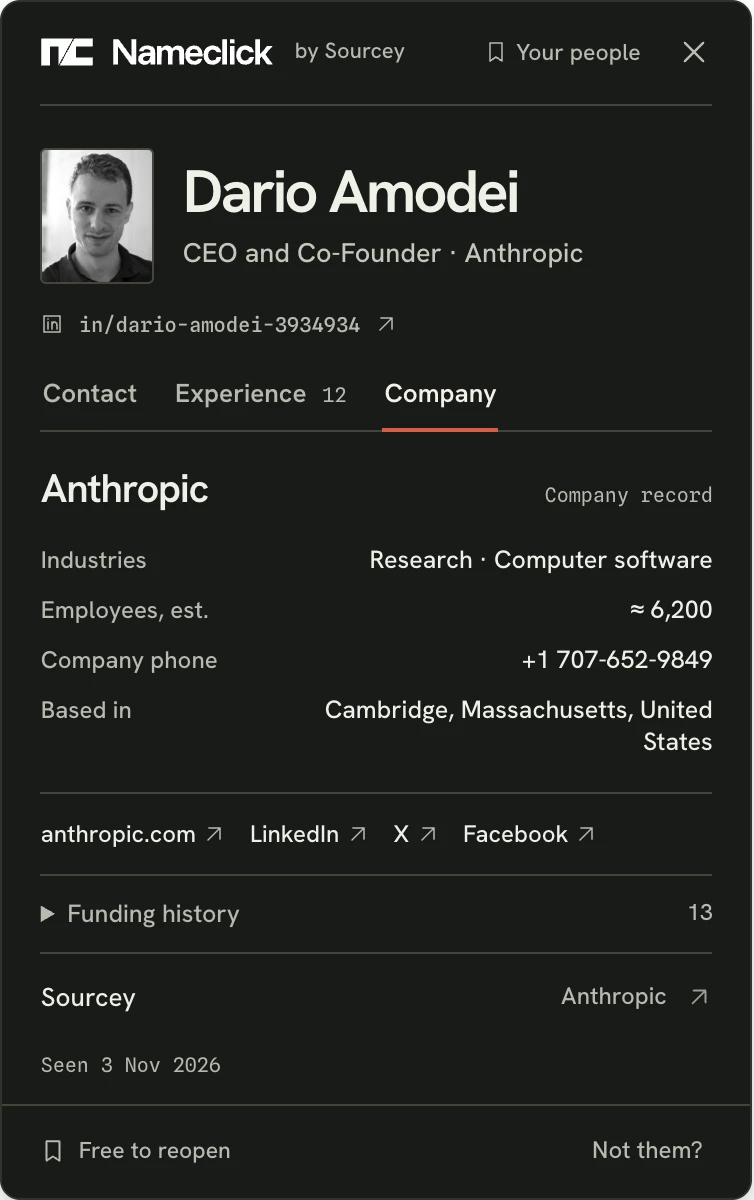
Experience lists every role with dates, current first. Company includes size, industry, phone, links, every funding round and its Sourcey record. Both open in the same card without using another lookup. Without an email, the person, roles and company still appear; nothing is counted.
Where else Nameclick finds an email
Questions
How many searches can I make without paying?
Here, three a day without signing up, then three more tomorrow. A free Nameclick account includes 30 extension lookups each month. Your first extension lookup asks you to sign in with Google; that creates your free account. Only an email shown counts: misses, failures and matches you report as the wrong person cost nothing. Everyone you've found reopens from the toolbar free, for good.
What should I change when the finder finds nobody?
Try the company's website instead of its name, or the name the person uses professionally. Someone who recently changed jobs might not be on record at their new employer yet.
Is the company name enough, or should I use its website?
Use the website if you have it. In an email lookup by name, Acme could identify a dozen companies; its website identifies one. The form accepts either.
Will this find a personal email address?
Nameclick uses professional contact records to find their address at their employer, even if their profile lists none. If the address on record is a personal one, it shows in the extension or on a paid plan, which isn't open yet.
How is this different from trying a company's email format?
A format gives you possible spellings. Nameclick retrieves an address from that person's record, including when it was last seen.
What does the extension read?
The extension waits for you to press. On LinkedIn, it takes only the profile's address, never the page, and never signs in or uses your LinkedIn account. Elsewhere, it reads the selected name and surrounding text once to identify the person; that text isn't stored. We never read your other tabs, history or messages. On GitHub, press Alt+Shift+N (Option+Shift+N on a Mac) with their profile open and nothing selected. On X, YouTube or another page, select their name first, then use the shortcut or right-click and choose Find email. We don't associate searched URLs or usernames with you; we keep the contact record to answer whoever asks next.
Can I use Nameclick from an AI agent?
Add Nameclick's MCP server with the key from the extension's settings. Your agent uses find_contact to find and enrich someone, and get_contact to reopen the contact free.
Can I ask for my details to be removed?
Yes, through the removal form below; you don't need a reason. Once removed, nobody can look you up again through the web finder, extension or an agent. Ask to be removed
Get the extension
The Nameclick extension finds their email in one press, with 30 free lookups a month.
- ChromeChrome Web Store
- EdgeIn review
- FirefoxIn review