


jane@acme.com Acme
The domain names the company
After the @, a company domain identifies the employer. It won't tell you which colleague sent the message.
Paste an email address and see who's behind it. Our reverse email lookup tool, Nameclick, finds the person on record for a company address. The name tab works the other way. Gmail or Outlook address? Looking up a personal address needs a paid plan, and those aren't open yet, so try the manual methods below.
An address identifies a mailbox. Finding the person answering it takes a little more investigation.
jane@acme.com Acme
After the @, a company domain identifies the employer. It won't tell you which colleague sent the message.
jane.smith@ or hello@ a person, or a team
first.last@ suggests a name. With hello@ or bookings@, several colleagues can share the mailbox.
jane@gmail.com no employer
A free mail address gives away no employer. Its owner hasn't handed you a professional identity just by choosing a username.
Search results mix two meanings of email lookup. Our form gives each a tab.
| Search | You start with | You get | What it does |
|---|---|---|---|
| Email lookup from a name | Jane Smith, acme.com | jane@acme.com | Find the address on record for someone where they work. |
| Reverse email lookup | jane@acme.com | Jane Smith at Acme | Start with an address to answer "who owns this email". |
| Email verification | jane@acme.com | whether it takes mail | Check that a server accepts mail for an address. That says nothing about who reads it. |
The address tab opens first. Paste the whole email from the message, invoice or signature. For a name, switch tabs and add the employer; its website is surer than its name.
Submit your search, then compare the person with whoever sent the email or the name you entered. Report a wrong match and we won't count it.
Read Verified and Seen beside the address before you copy it. Next time an address appears on another page, select it and press AltShiftN in the Nameclick extension.
For an email address lookup by hand, search the whole address before trying to turn initials into a name. For Gmail or Outlook, try a quoted search, GitHub or a reply to the sender.
Read the company's team and contact pages for a name beside that address. A free mail domain gives you no employer to investigate.
For example, search for "jane@example.com", including the quotation marks. A website, talk page, paper or filing can name the person who published it.
Search GitHub commits for the address and read the author's name. A commit preserves the address used then; it could belong to a job they've since left.
If they emailed you, reply and ask for their name and company.
Our separate email finder page covers the manual searches for when you know the person and need their address. Find an email with a name and company
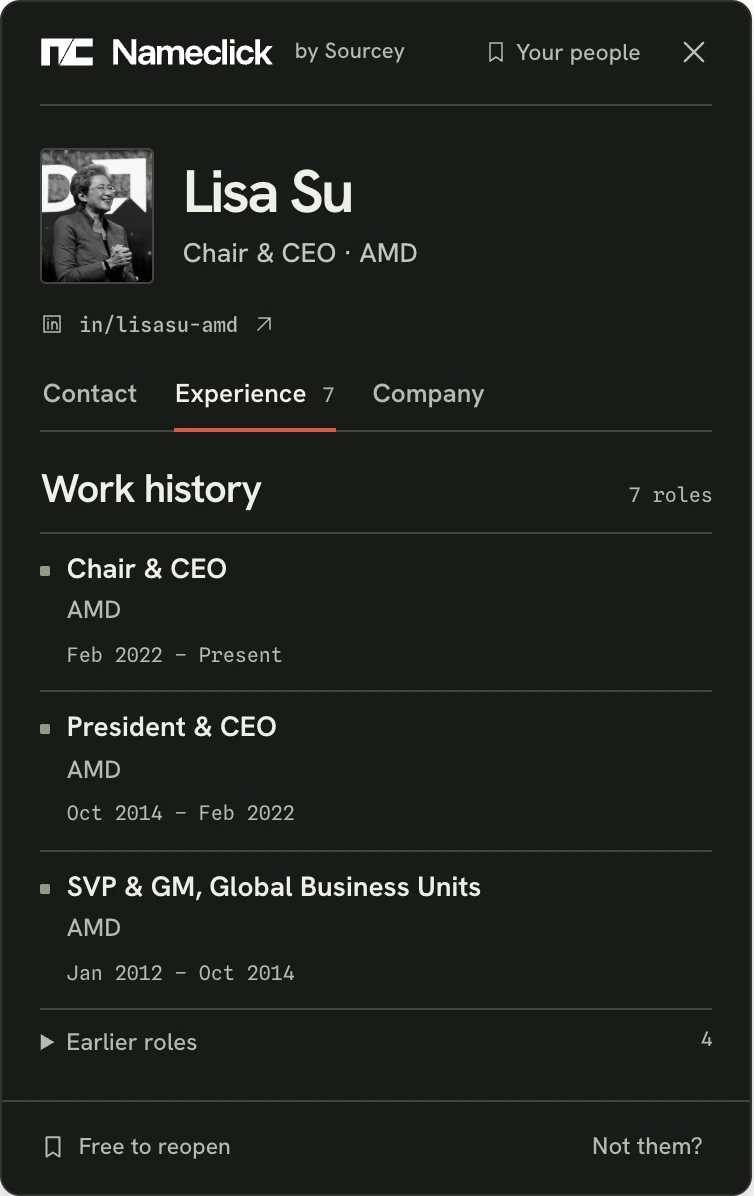
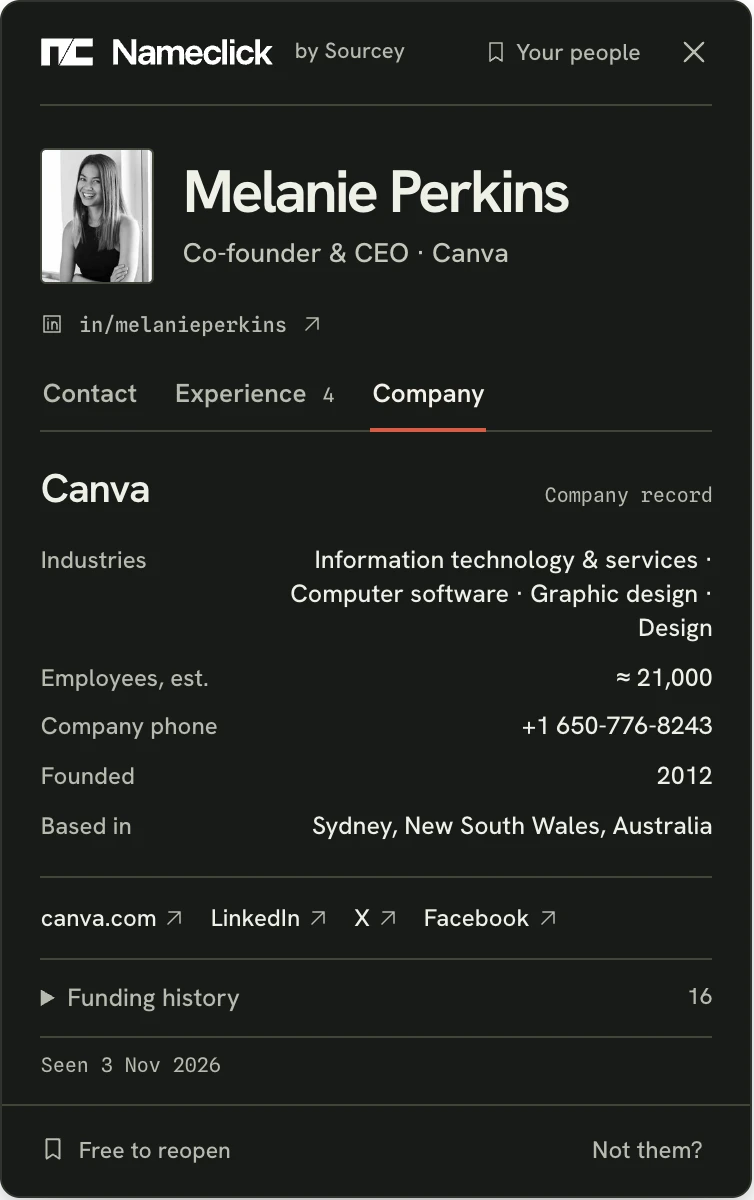
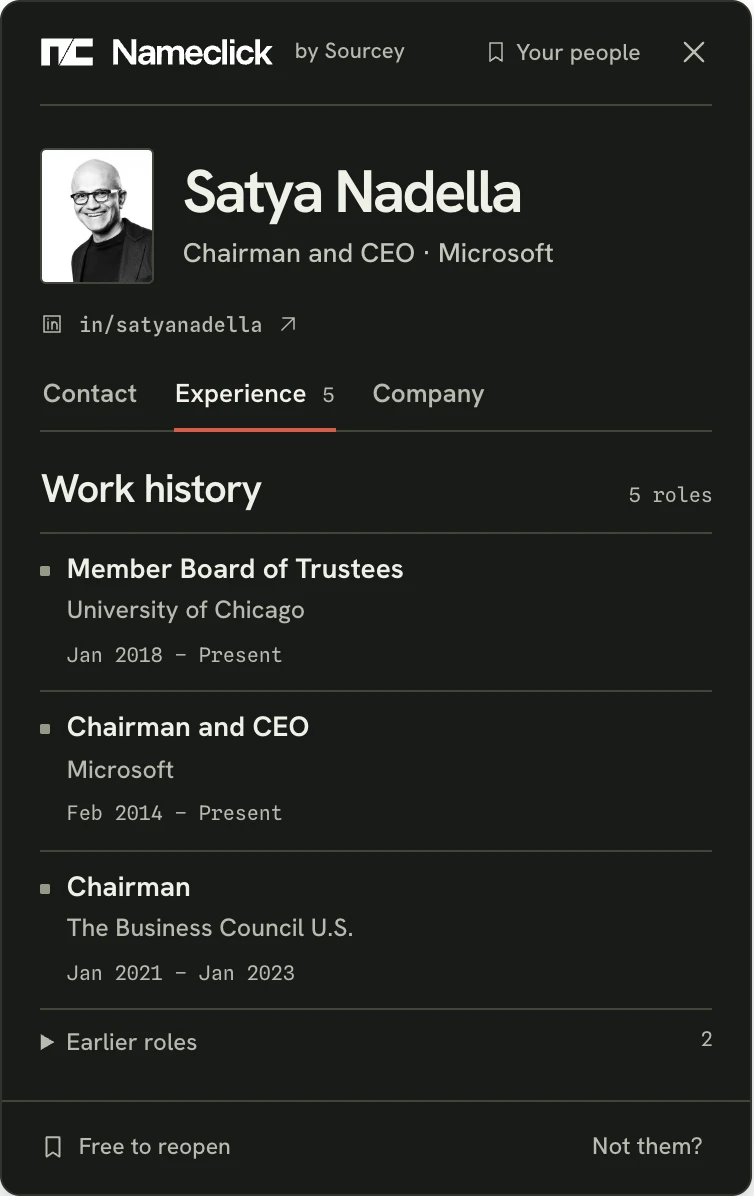
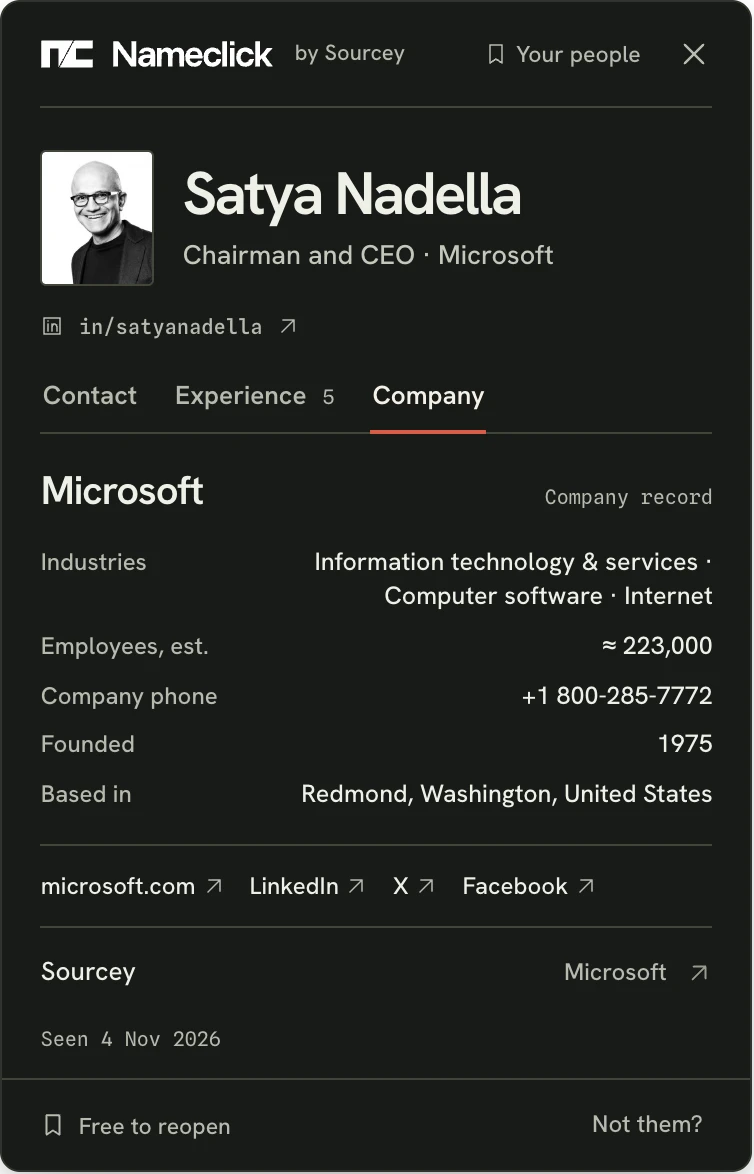
The card includes every role with dates, the current one first. Open Company for size, industry, phone, links, every funding round and its Sourcey record. These views don't spend another lookup.
Email lookup connects a person and an address. Reverse means you started with the address. Nameclick uses professional contact records and people's public GitHub profiles. An address can be on record even when their profile lists none; an address they publish themselves is shown as theirs. AI agents can pass an email to find_contact through our MCP server to find and enrich the contact. Use a free account's key from the extension's settings; get_contact reopens the contact free.
The free email lookup allowance is three a day across both tabs. No account is needed, and you get three more tomorrow. The extension gives you 30 free lookups a month; sign in with Google at your first lookup to create a free Nameclick account. Saved contacts reopen from the toolbar free forever.
Only on a paid plan, and those aren't open yet. Looking up a Gmail, Outlook or other personal address needs one, on this page and for agents and API keys alike. An anonymous form shouldn't unmask someone's private address. The Nameclick extension can look one up.
A finder starts with a person; lookup also runs backwards. Our separate email finder page is for the name-first search. The web finder accepts a name and employer, a LinkedIn profile URL or a GitHub username. Separate guides cover LinkedIn, GitHub, X and YouTube. In the extension, press the Nameclick mark in a LinkedIn profile's corner, then Find email. Any profile you can open works, without Premium or Sales Navigator. Nameclick never signs in to LinkedIn or uses your account. On a GitHub profile, press Alt+Shift+N (Option+Shift+N on a Mac) without selecting anything. On X, YouTube or another page, select the name, then press Alt+Shift+N (Option+Shift+N on a Mac) or right-click and choose Find email. Chrome, Edge and Firefox are supported; Brave, Arc and Opera install from the Chrome Web Store.
Several people can be on record for hello@ or bookings@. When that happens, Nameclick shows none of them. We won't attribute a shared mailbox to whichever colleague appears first.
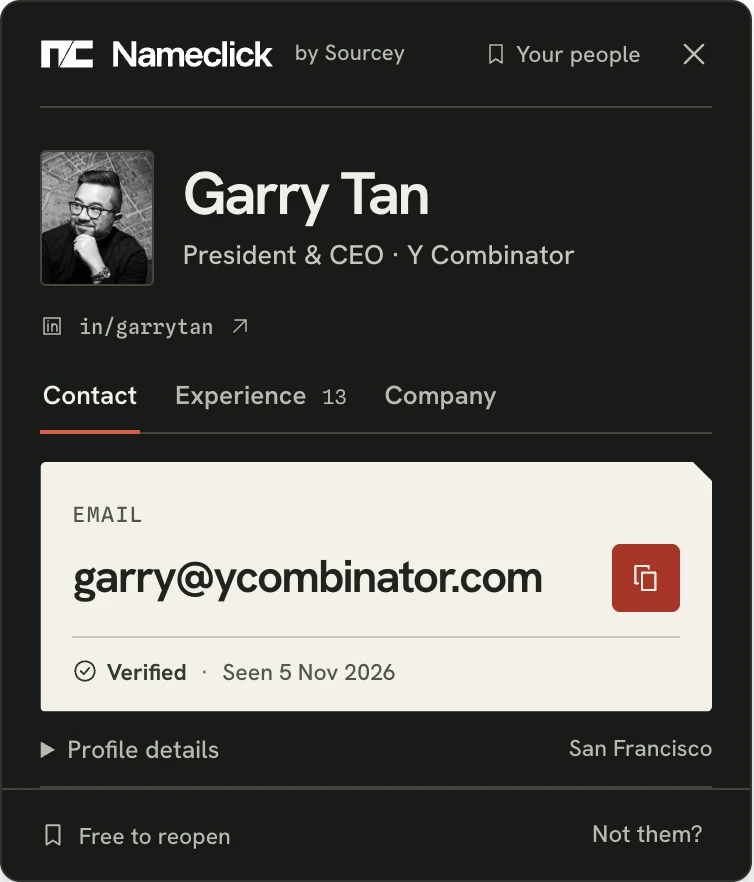
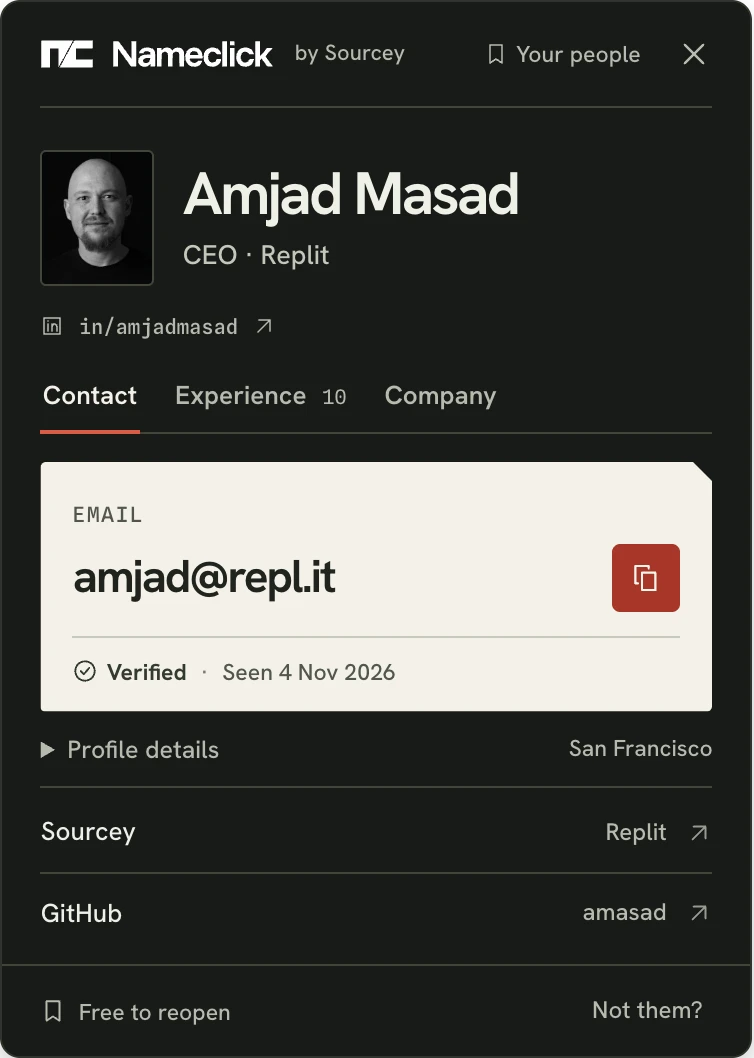
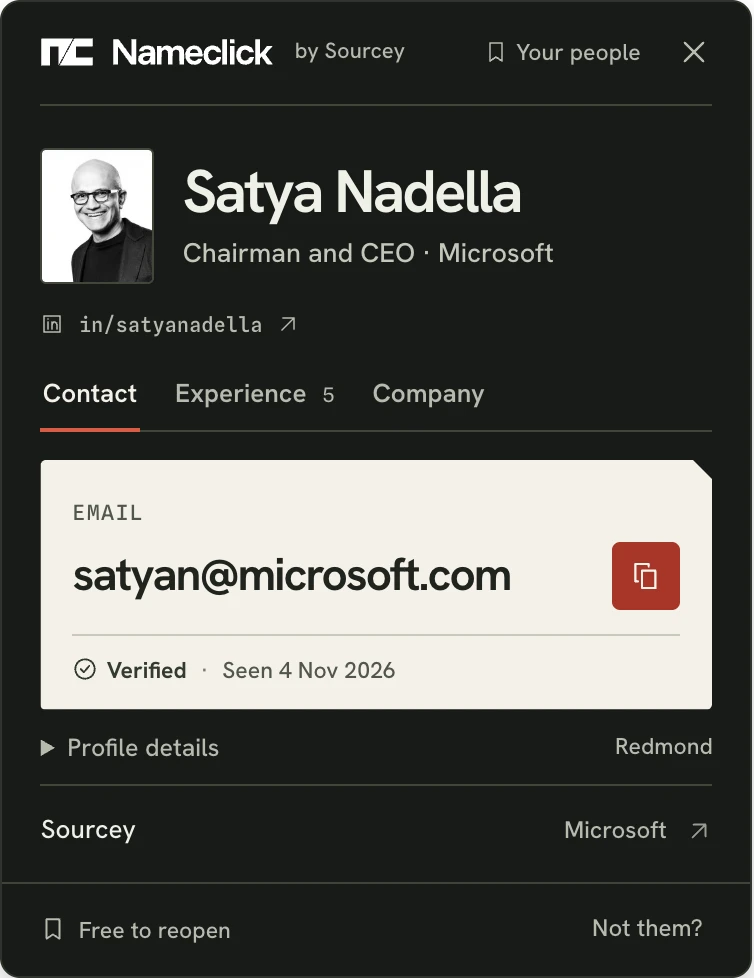
The person comes first: photo, title, employer and location. You should be able to spot a namesake before copying their address. Then comes the email, with Verified and Seen beside it.
Nameclick starts with a person's record. Verified means the address was checked to take mail. Many servers accept any address at their domain, even a guess. Seen tells you when the record was last observed. If they've changed jobs since then, compare their employer with the email's domain. An address from their old employer will bounce.
Misses, failures and refused searches use none of your allowance. Only results with an email count. In the name tab, a person can match without an email on record; you still get their roles and company, free.
We don't tell them. The extension reads nothing until you press. On LinkedIn it reads only the profile URL, never the page. Elsewhere it reads your selection and surrounding text once to identify the person, then discards that text. Other tabs, history and messages are never read. Your identity isn't attached to the URLs or usernames you look up. We keep the contact record to answer the next person who asks.
Yes. You don't owe us an explanation. Once removed, nobody can look you up again, whether they paste an address here, press Alt+Shift+N (Option+Shift+N on a Mac) in the extension or ask an agent. Ask to be removed
The Nameclick extension finds their email in one press, with 30 free lookups a month.