
X email finder
Find the email address behind any X profile. Select the person's name and press the shortcut: Nameclick reads their bio and links to work out who they are, then shows their email, their role and their company.
How to find someone's email from X
Open their X profile
Their profile page on x.com, where their bio and links are.
Select their name
Select the name at the top of the profile, or anywhere it appears in their posts.
Press AltShiftN
Or choose Find email from the right-click menu. The card shows who matched before you copy a thing.
Every contact, enriched
The person first, so a wrong match is plain before you copy anything. Their roles and their company open from the same card, at no extra cost.
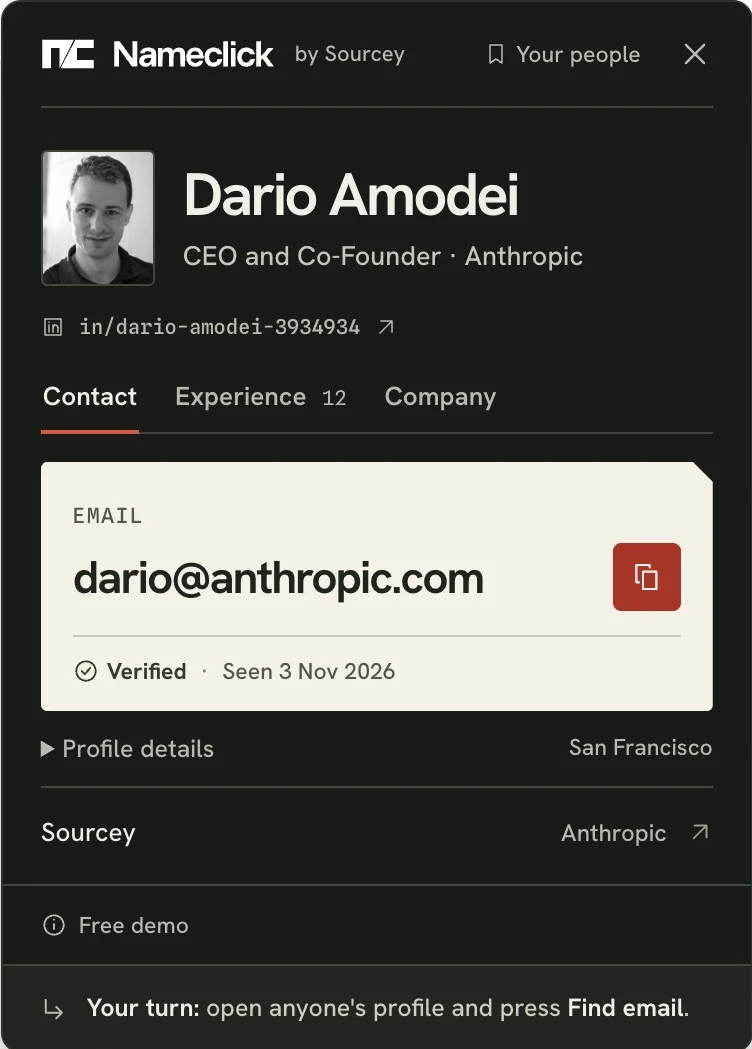
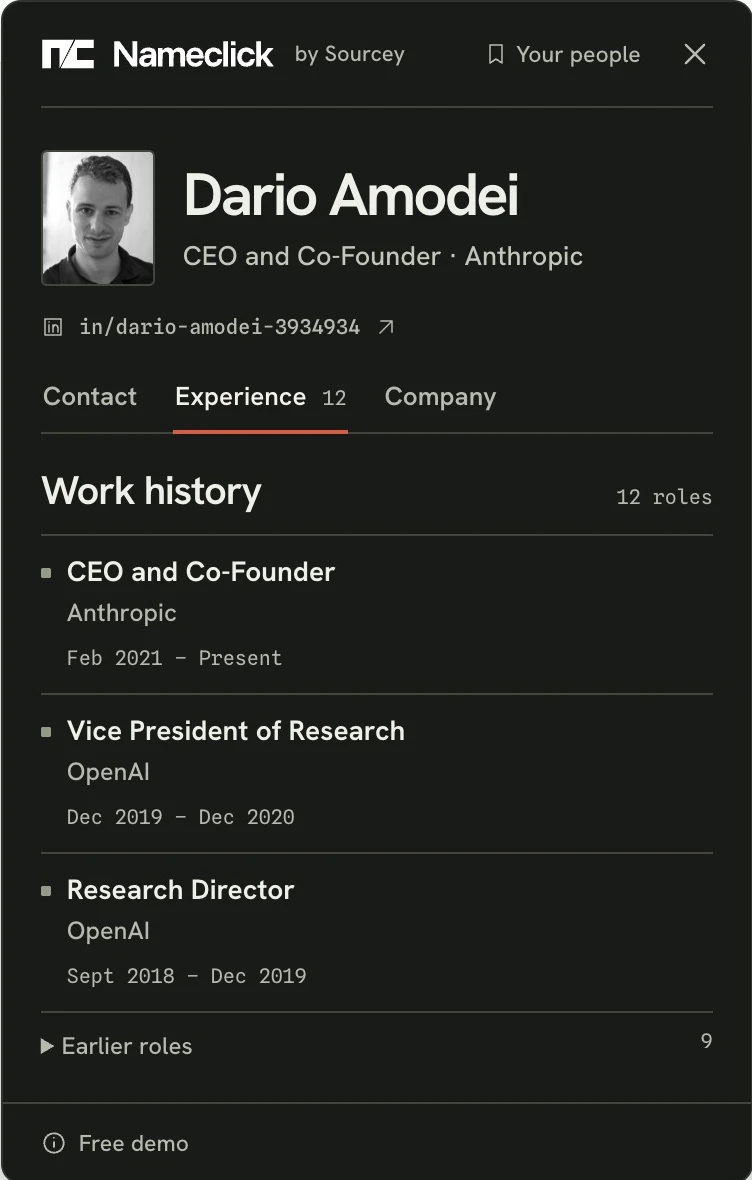
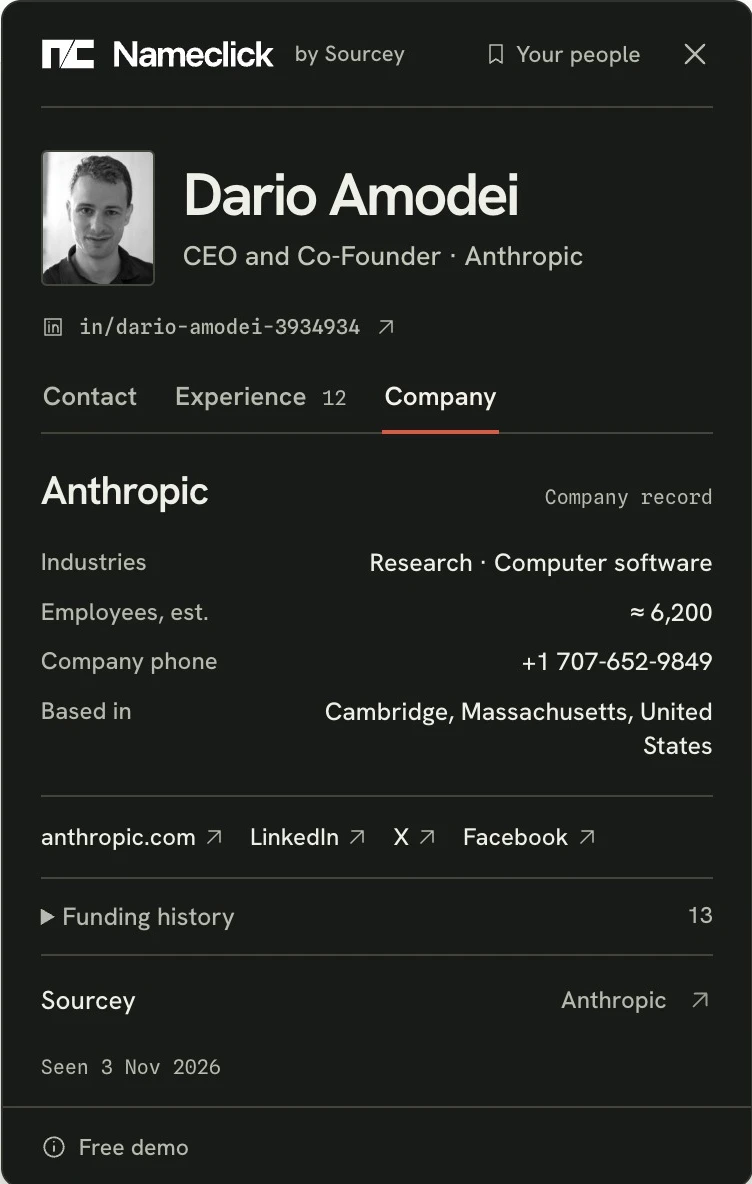
Wherever a name is
The same card on LinkedIn, X, GitHub and YouTube, and for a name selected on any page. How Nameclick works
Questions
Does it work on twitter.com too?
Yes. X profiles open at x.com and twitter.com alike, and Nameclick reads them the same way.
What does Nameclick read on X?
Only when you press: the name you selected and the text around it, which on a profile is their bio, place and link. It never reads your timeline, your messages or anyone you follow.
What if their bio doesn't say where they work?
The card asks which company before any lookup is used, and nothing is counted until it shows an email.
Is it free?
30 lookups a month are free with a Nameclick account, and a lookup counts only when it shows an email. The shortcut is Alt+Shift+N (Option+Shift+N on a Mac).
Get Nameclick
In your browser
The card on LinkedIn profiles, and a name selected on any page. 30 free lookups a month.
- ChromeChrome Web Store
- EdgeIn review
- FirefoxIn review
Brave, Arc and Opera install from the Chrome Web Store.
On the web
Paste a LinkedIn profile URL. Three free lookups a day, with no sign-up.
In your AI agent
Nameclick's MCP server finds and enriches a contact the way the card does: find_contact from a LinkedIn URL, an email, or a name with a company, and get_contact to reopen someone, free.
https://mcp.nameclick.co/mcpSend the key from the extension's settings as Authorization: Bearer. The API is described in openapi.json.